Here is a selection of the most loved cursors and pointers. If you're tired of boring default cursors and looking to add a personal touch to your computer or website, you've come to the right place. Get ready to navigate your screen with style and flair with our curated selection of custom cursors.Top Cursors

Monkey D. Luffy
The Monkey D. Luffy custom cursor from the One Piece custom cursors collection for Chrome is a lively and vibrant cursor option for fans of the popular anime series, One Piece.
This cursor features Monkey D. Luffy, the main protagonist and captain of the Straw Hat Pirates. It captures his trademark enthusiasm, zest for adventure, and determination to become the Pirate King.
With this custom cursor, you can infuse your browsing experience with the spirit of Monkey D. Luffy and the world of One Piece. Whether you're exploring websites, typing messages, or simply navigating through different tabs, Monkey D. Luffy will accompany you every step of the way, adding a touch of excitement to your daily online activities.
To install this custom cursor, simply download the One Piece custom cursors extension for Chrome from the Chrome Web Store. Once installed, access the extension settings to select the Monkey D. Luffy cursor as your preferred cursor style.
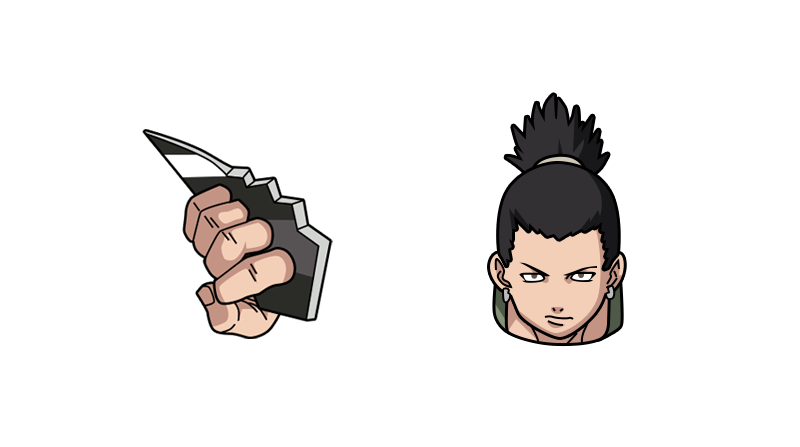
Shikamaru Nara
The Shikamaru Nara custom cursor is a unique and eye-catching cursor design inspired by the popular anime series Naruto. Featuring the beloved character Shikamaru Nara, this custom cursor replaces the standard mouse cursor and pointer on your Chrome browser with a stylized image of Shikamaru.
With this custom cursor, you can navigate your web browser in style and show off your love for the Naruto series. The cursor displays Shikamaru in his iconic pose, instantly recognizable to fans of the show. As you move your mouse across the screen, Shikamaru's image will follow, adding an element of fun and personalization to your browsing experience.
Whether you're a dedicated Naruto fan or simply love unique and customized browser themes, the Shikamaru Nara custom cursor is the perfect addition to your Chrome browser. Enhance your online experience and let Shikamaru guide your cursor as you browse the web.
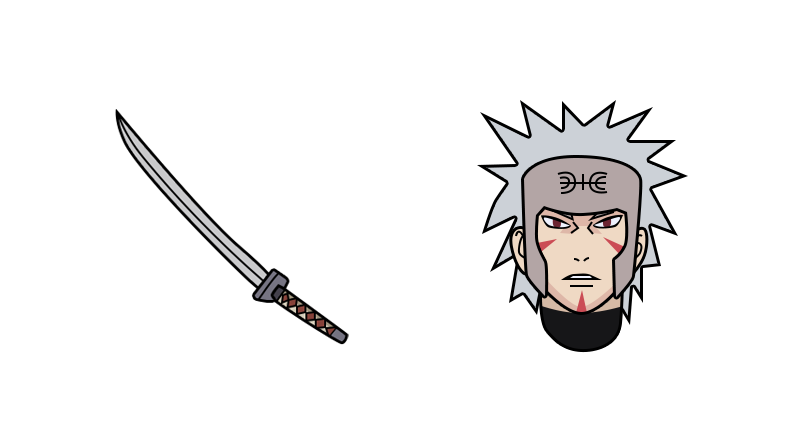
Tobirama Senju
Tobirama Senju is a fictional character from the popular anime and manga series Naruto. He was the second Hokage of the Hidden Leaf Village and played a crucial role in shaping the village's history.
The Tobirama Senju custom cursor features an illustrated version of Tobirama's iconic symbol, which represents his position as the Second Hokage. This symbol consists of a red circle with two lines crossing vertically and a horizontal line across the middle. It is often associated with Tobirama's immense power and leadership abilities.
The cursor is beautifully designed and is a must-have for any Naruto fan. It offers a unique and stylish way to personalize your computer or laptop screen. Whether you are working, browsing the internet, or simply enjoying the Naruto series, this Tobirama Senju custom cursor will add a touch of ninja flair to your digital experience.

Cookie
Cookie Cursor for Chrome is a cute mouse arrow from the Kawaii custom cursors collection. Sweet Cookie Cursor changes the look of your cursor when you browse the web. It has a selection of fun and creative to give your browser an extra dose of personality! Some of the options available include changing the size of the custom cursor and more. The cursor and pointer for mouse is easy to install and use, and offers the ability to customize your cursor to exactly what you want. Sweet cookie cursor is sure to light up your browsing experience!
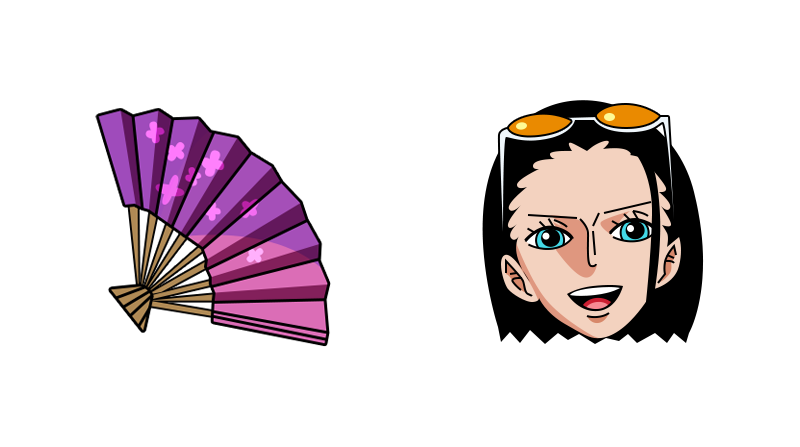
Nico Robin
The Nico Robin custom cursor from the One Piece custom cursors collection is a perfect choice for any fan of this popular anime series. Designed with great attention to detail, this cursor features the iconic character of Nico Robin, one of the main protagonists in the One Piece universe.
Replacing the default mouse cursor with this custom one is incredibly easy. Voila! Your cursor is now transformed into a stylish representation of Nico Robin.
This custom cursor is not only visually appealing but also highly functional. It retains the functionality and responsiveness of the default cursor, allowing for smooth navigation and precise clicking. Whether you're browsing the web, working on documents, or playing games, you'll have the added enjoyment of interacting with your computer through the eyes of a One Piece character.
The Nico Robin custom cursor adds a unique touch to your computer experience, showcasing your love for this incredible anime series.

Peter Griffin
Peter Griffin Custom Cursor: A Hilariously Fun Addition to Your Computer Experience
If you're a fan of the popular animated TV show, "Family Guy," you're probably familiar with the lovable but sometimes clueless character, Peter Griffin. Well, imagine having Peter Griffin as your mouse cursor on your computer screen! That's right; thanks to the Peter Griffin custom cursor and pointer, you can now have this hilarious character follow you around as you navigate your computer.
Custom cursors from the Family Guy custom cursors collection allows computer users to personalize their desktop experience. While some people opt for elegant or minimalistic cursors, others prefer something more fun and unconventional. The Peter Griffin custom cursor fits neatly into the latter category. Simply change the standard mouse pointer with the custom cursor.
So, why should you consider adding the Peter Griffin cursor to your computer? Here are a few reasons:
1. Hilarity: Peter Griffin is known for his outrageous antics and one-liners, which often lead to hilarious situations. Having him as your cursor is bound to bring a smile to your face and lighten the mood when you're working or browsing the internet.
2. Unique Design: The Peter Griffin cursor features an image of the character in his signature attire. With his iconic white shirt, green pants, and round glasses, this cursor design is easily recognizable and stands out on your computer screen.
3. Conversation Starter: If you're working in a casual office or have friends and family who frequently use your computer, the Peter Griffin cursor will undoubtedly spark conversations and laughter.
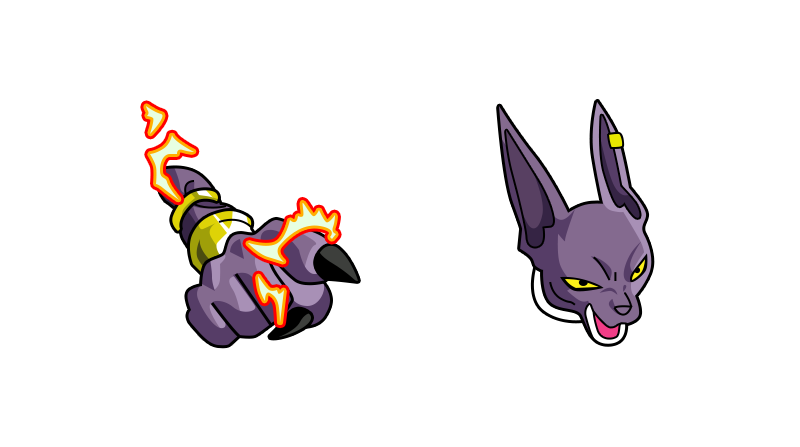
Beerus
Beerus Custom Cursor adds a delightful touch of Dragon Ball goodness to your computer experience. Inspired by the beloved manga and anime series, this custom cursor offers a unique design featuring the eccentric God of Destruction himself, Beerus.
Once installed, the standard mouse cursor transforms into an eye-catching Beerus symbol, which perfectly complements the Dragon Ball theme. Sporting a vivid color palette and intricate detailing, the cursor is crafted to bring the world of Dragon Ball to life right on your desktop.
Navigate through your computer effortlessly as you see Beerus strut across your screen, showcasing his imposing presence and adding a touch of flair to your daily digital interactions. Whether you're browsing the internet, working on documents, or even gaming, this custom cursor will infuse your computer activities with the energy of Dragon Ball.
With the Beerus Custom Cursor, you can immerse yourself in the vibrant Dragon Ball universe and channel the power of this iconic character with every click and movement. Transform your computer interface into a dynamic space and express your love for Dragon Ball in a creative and visually captivating way.
Upgrade your mouse cursor and pointer today with Beerus Custom Cursor from the Dragon Ball custom cursors collection.

Cosmo
Enter the whimsical world of The Fairly OddParents with the enchanting Cosmo Custom Cursor, a delightful addition to The Fairly OddParents custom cursors collection that brings the lovable fairy godparent Cosmo cursor for mouse and pointer to life right at your fingertips. Say goodbye to the ordinary standard mouse cursor and immerse yourself in the magic of this cursor featuring one of the show's most beloved characters.
The Cosmo Custom Cursor is designed to infuse a sense of fun and wonder into your digital experience. With every click and movement, Cosmo cheerfully accompanies you, adding a touch of charm and entertainment to your computer interactions. Whether you're working, browsing, or simply enjoying your digital space, Cosmo's presence is sure to bring a smile to your face.
This custom cursor from The Fairly OddParents custom cursors collection pays homage to the endearing qualities of Cosmo, capturing his whimsical personality and distinctive appearance in every detail. From his vibrant green hair to his mischievous grin, Cosmo is brought to life in a way that evokes the playful spirit of The Fairly OddParents series. The cursor seamlessly integrates with your desktop environment, providing a delightful and unobtrusive enhancement to your daily computing activities.
Changing your standard mouse cursor to the Cosmo Custom Cursor is a breeze, allowing you to personalize your computer experience with ease. Simply install the cursor theme and let Cosmo take center stage, transforming your pointer into a source of magic and nostalgia.

Wanda
Wanda Custom Cursor from the Fairly OddParents Cursors Collection brings a touch of magic and whimsy to your computer experience. Inspired by the beloved character Wanda from the animated series, this cursor allows you to infuse your digital workspace with a bit of fairy godparent charm. With its vibrant colors and detailed design, Wanda Custom Cursor is not only a practical tool but also a delightful visual enhancement. Let Wanda guide your cursor across the screen as you navigate through your tasks, adding a playful and enchanting element to your computing adventure.
Wanda Custom Cursor from the Fairly OddParents custom cursors collection adds a touch of magical charm to your computer experience. Featuring the iconic character Wanda, the fairy godmother from the beloved animated series, this cursor brings whimsy and nostalgia to your desktop. With precision and style, Wanda guides your cursor movements, making your navigation across the screen a delightful experience. Immerse yourself in the world of Fairly OddParents as you work, play, and browse with this enchanting custom cursor, sure to make your computer interactions truly magical.

Porky Pig
The Porky Pig custom cursor from the Looney Tunes collection is a fun way to personalize your computer experience. Featuring the lovable and iconic character Porky Pig, this custom cursor set replaces the standard mouse cursor and pointer with delightful images of Porky Pig custom cursor. Known for his trademark stutter and signature closing line, "Th-th-th-that's all folks!", Porky Pig custom cursor brings a touch of classic cartoon charm to your desktop. Easy to install, this custom cursor adds a playful twist to your daily computer interactions, making navigation more enjoyable for fans of the timeless Looney Tunes series. Transform your cursor into a beloved animation character and enjoy a whimsical upgrade to your screen!
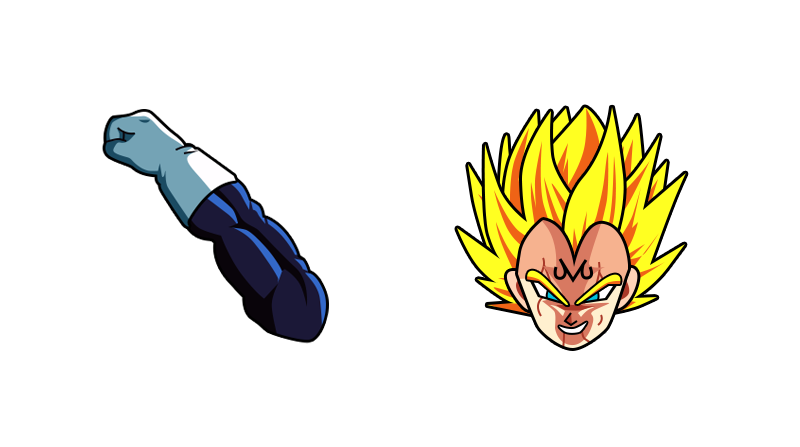
Vegeta, Prince of Saiyans
The Vegeta custom cursor is an exciting addition to the Dragon Ball custom cursors collection. Inspired by the powerful and prideful Prince of Saiyans, Vegeta, this cursor offers fans the opportunity to transform their default cursor into a fascinating depiction of the iconic character.
Featuring an illustrated Vegeta, complete with his signature blue armor and blonde hair, this custom cursor captures the essence of his intense energy and determination. As you navigate through your computer screen, Vegeta's striking pose and fierce gaze will follow your every move, bringing the spirit of Dragon Ball right to your fingertips.
Whether you're a die-hard Dragon Ball fan or simply appreciate the epic persona of Vegeta, this custom cursor is sure to elevate your browsing experience. Switching to the Vegeta custom cursor will not only add a touch of anime flair but also empower you with the warrior spirit embodied by the Prince of all Saiyans.
To enjoy this remarkable cursor, simply download the custom cursor pack from the Dragon Ball collection, install it on your computer, and follow the instructions to set Vegeta as your new default cursor. Embrace the power of Vegeta as you navigate your digital world and let his determination drive you to conquer any task that comes your way.
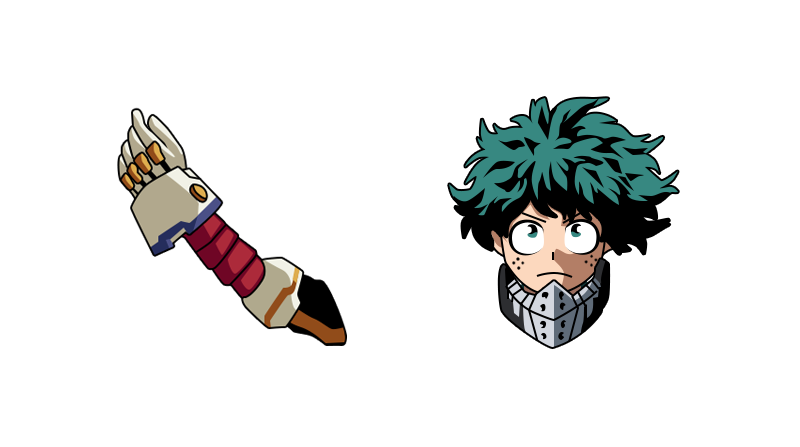
Izuku Midoriya
Izuku Midoriya is the main protagonist of the popular anime and manga series, "My Hero Academia". He is a determined and passionate young hero-in-training, aiming to become the number one hero in the world.
The Izuku Midoriya custom cursors capture the essence and charm of this beloved character. Each cursor portrays a different aspect of Midoriya's journey, showcasing his heroic spirit and unwavering determination.
This custom cursor for mouse and pointer may showcase Midoriya channeling his powerful quirk, "One For All", highlighting his growth and potential as a hero.
The custom cursors are beautifully designed, capturing the vibrant and energetic art style of the series. They not only add a fun and personalized touch to your computer interface, but also serve as a constant reminder of the inspiring and relatable character that is Izuku Midoriya. Whether you are a fan of "My Hero Academia" or simply drawn to the idea of displaying a hero's journey on your screen, the Izuku Midoriya custom cursors are a perfect choice.

Evil Monkey
Evil Monkey is a character from the animated TV show Family Guy. He is a recurring character who first appeared in the episode "Dammit Janet!" Evil Monkey is a brown-furred, seemingly ordinary monkey with a sinister twist.
The Evil Monkey resides in Chris Griffin's closet and constantly torments him with frightening gestures and creepy noises. However, the Evil Monkey is not truly evil but misunderstood. He is often seen holding up a red warning sign featuring an exclamation mark to warn others about his supposed evil deeds.
The Evil Monkey custom cursor featuring Evil Monkey from the Family Guy custom cursors collection for Chrome would capture his mischievous nature perfectly. The cursor would showcase the iconic image of Evil Monkey holding up the warning sign, allowing fans to have a little piece of the Family Guy humor on their screens. This cursor would be a fun addition for fans of the show or anyone who enjoys the quirky and memorable characters from Family Guy. Change the standard mouse cursor with a custom cursors.

Doraemon
Introducing the Doraemon Custom Cursor, a delightful addition to your digital experience that brings the iconic Doraemon character to life right at your fingertips.
This custom cursor from the Doraemon cursors collection is designed to inject a sense of playfulness into your computing routine. As you move your mouse, watch as Doraemon's cursor playfully trails along, leaving a touch of magic in its wake. The cursor perfectly captures Doraemon's endearing features, from his blue robotic cat exterior to his friendly facial expressions, creating an engaging and personalized interaction with your computer.
The transition from the standard pointer to the Doraemon Custom Cursor is seamless, instantly transforming your screen into a world of fun.
Customize your digital workspace with this unique cursor, adding a touch of character and joy to your everyday tasks. The Doraemon Custom Cursor is not just a practical tool; it's a delightful companion that brings a smile to your face each time you interact with your computer.
Immerse yourself in the world of Doraemon as you navigate through files, folders, and web pages with this charming custom cursor. Elevate your user experience and let Doraemon make your digital journey a truly memorable one. Download the Doraemon Custom Cursor today and let the magic unfold every time you click and scroll.
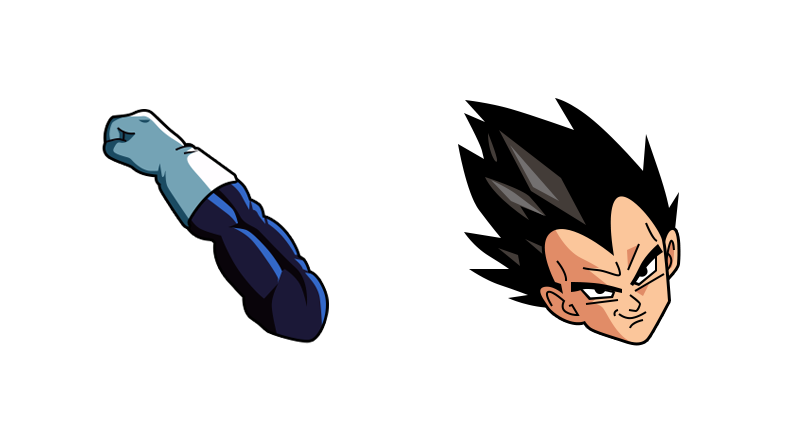
Vegeta
The Vegeta custom cursor is an exciting addition to the Dragon Ball custom cursors collection. Inspired by the powerful and prideful Prince of Saiyans, Vegeta, this cursor offers fans the opportunity to transform their default cursor into a fascinating depiction of the iconic character.
Featuring an illustrated Vegeta, complete with his signature blue armor and his hair, this custom cursor captures the essence of his intense energy and determination. As you navigate through your computer screen, Vegeta's striking pose and fierce gaze will follow your every move, bringing the spirit of Dragon Ball right to your fingertips.
Whether you're a die-hard Dragon Ball fan or simply appreciate the epic persona of Vegeta, this custom cursor is sure to elevate your browsing experience. Switching to the Vegeta custom cursor will not only add a touch of anime flair but also empower you with the warrior spirit embodied by the Prince of all Saiyans.
To enjoy this remarkable cursor, simply download the custom cursor pack from the Dragon Ball collection, install it on your computer, and follow the instructions to set Vegeta as your new default cursor. Embrace the power of Vegeta as you navigate your digital world and let his determination drive you to conquer any task that comes your way.

Broly
Broly, the Legendary Super Saiyan, is known for his immense power and fierce nature in the Dragon Ball series. Now, you can bring his intense energy to your browsing experience with the Broly custom cursor from the Dragon Ball custom cursors collection for Chrome.
This custom cursor features Broly in his iconic Super Saiyan form, ready to unleash his devastating attacks. With his wild green hair, muscular physique, and piercing golden eyes, Broly's presence on your screen is sure to command attention. As you move your cursor across the screen, Broly's power emanates through his dynamic pose, creating a sense of excitement and intensity.
The Broly custom cursor is a perfect choice for fans of the Dragon Ball franchise or those who simply admire his raw strength. By replacing the standard mouse cursor and pointer with this custom design, you can inject a dose of Dragon Ball energy into your everyday browsing activities.
Experience the thrill of having the Legendary Super Saiyan guide your online adventures as you navigate through websites, scroll through content, and interact with various elements on your screen. Whether you're working, gaming, or leisurely browsing, the Broly custom cursor is sure to make your experience more captivating and immersive.
Unleash the power of Broly and transform your browsing experience.

Huggy Wuggy
The Huggy Wuggy custom cursor is an adorable and huggable cursor design for your computer screen. This cursor features a cute and cuddly character with outstretched arms, ready to give you a virtual hug whenever you move your mouse. The design is vibrant and colorful, with a friendly expression on the character's face. The Huggy Wuggy cursor adds a cheerful and fun touch to your computer experience, making it a delightful choice for users of all ages. Whether you're working, browsing the internet, or playing games, this custom cursor will bring a smile to your face and make your computer screen feel warm and inviting.
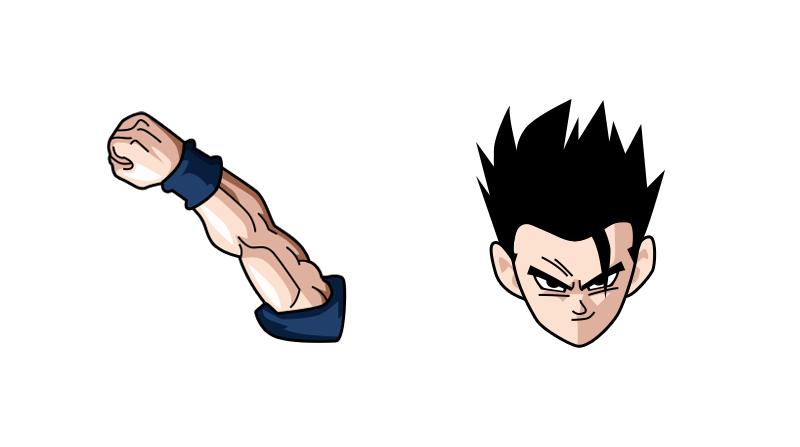
Son Gohan
Gohan, the beloved character from the famous anime and manga series, Dragon Ball, now comes to life as a custom cursor! This meticulously designed cursor captures the essence of Gohan, the half-human and half-Saiyan warrior.
With this Gohan custom cursor, you can now enjoy a whole new level of immersion as you navigate through your computer or laptop. The standard mouse cursor and pointer are replaced by Gohan, who is depicted in his iconic outfit, complete with his distinct spiky hair and intense gaze.
Every movement of your cursor will be accompanied by Gohan's presence, adding a touch of excitement and adventure to your computing experience. Whether you're working, browsing the internet, or engaging in gaming sessions, you'll be surrounded by the energy and power that Gohan radiates.
This custom cursor not only enhances the visual aesthetics of your device but also allows you to showcase your love and admiration for Dragon Ball. It's a perfect choice for fans and enthusiasts who want to bring their favorite character into their everyday digital interactions.
Installation is quick and easy, allowing you to switch to the Gohan custom cursor effortlessly. Once installed, you'll have a unique and personalized cursor that guarantees to catch the attention of anyone who sees it.
Embrace the power of Gohan as you embark on your digital adventures with this Dragon Ball custom cursor. Let the spirit of this incredible character guide your cursor across the screen, and immerse yourself in the vibrant world of Dragon Ball every time you
Grinch
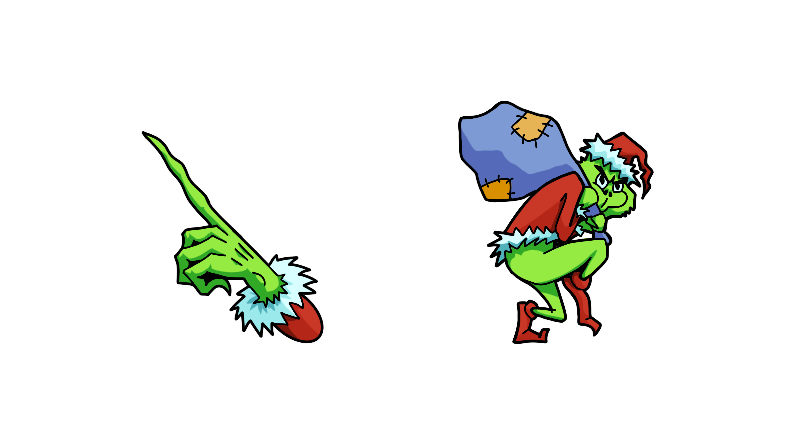
Grinch Custom Cursor is a delightful addition to the Christmas Custom Cursors collection, perfect for spreading holiday cheer and bringing a touch of mischievousness to your computer screen. This cursor allows you to deviate from the standard, mundane mouse cursor and pointer by replacing it with the iconic Grinch character.
Inspired by Dr. Seuss' beloved tale, "How the Grinch Stole Christmas," this custom cursor showcases the Grinch with his signature lime green skin, sly grin, and mischievous eyes. As you navigate your computer screen, the Grinch cursor replaces the ordinary arrow, adding a festive and playful touch to your browsing experience.
Whether you're using your computer for work or leisure, the Grinch Custom Cursor is guaranteed to put a smile on your face and sprinkle holiday magic in the air. As you move the cursor across your screen, you may even catch a glimpse of the Grinch's famous sneer or animated motions, capturing his mischievous personality.
Grinch Custom Cursor is a delightful addition to the Christmas Custom Cursors collection, channel your inner Grinch, or simply add a touch of whimsy to your desktop.
Trunks
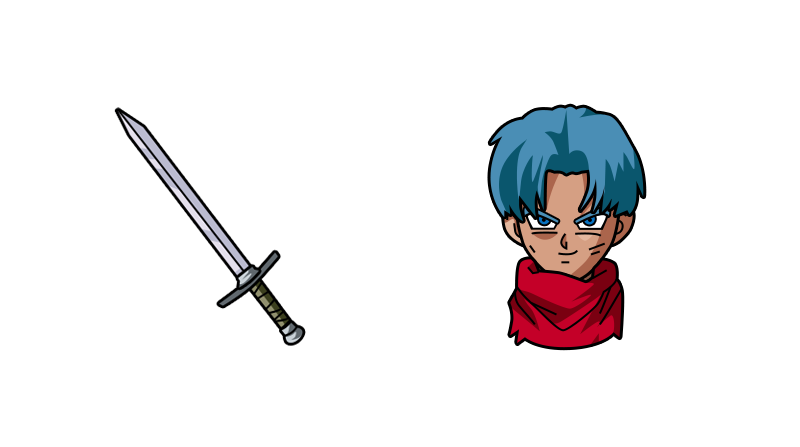
Trunks Custom Cursor from the Dragon Ball Custom Cursors collection for Chrome is an exciting and visually appealing way to personalize your browsing experience. Inspired by the popular Dragon Ball anime series, this custom cursor features the iconic character Trunks, known for his bold personality and superhuman abilities.
With this custom cursor extension, you can easily change the default mouse cursor and pointer to Trunks, enhancing your interaction with websites, links, and buttons. Whether you are a fan of Dragon Ball or simply appreciate captivating designs, Trunks Custom Cursor adds a touch of uniqueness and fun to your browsing activities.
Upon installation, you will notice that your cursor is transformed into Trunks' colorful and energetic image. As you move your mouse, Trunks elegantly follows your movements, adding a visually engaging element to your browsing sessions.
Not only is Trunks Custom Cursor aesthetically pleasing, but it also ensures smooth and seamless navigation across various webpages. This extension is compatible with most websites and does not interfere with their functionality, allowing you to browse comfortably while enjoying the fascinating Dragon Ball universe.
Installing Trunks Custom Cursor is incredibly easy. Simply add the extension to your Chrome browser and activate it in just a few clicks. You can also customize the settings to adjust the cursor's size.
Frieza
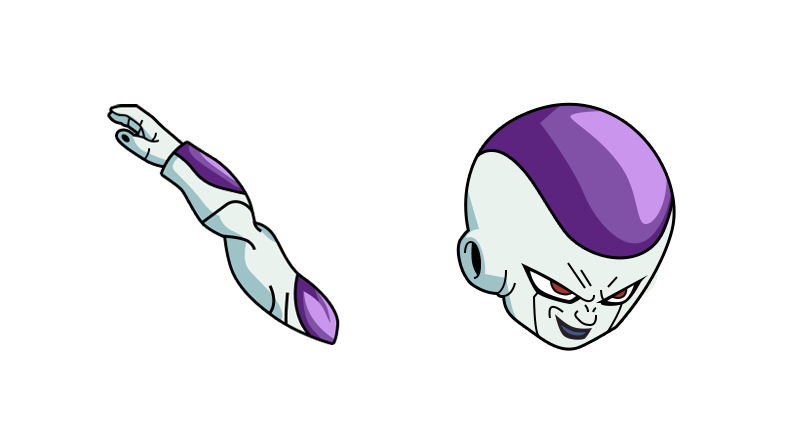
The Frieza custom cursor from the Dragon Ball custom cursors collection is perfect for fans of the popular anime series. This cursor features Frieza, one of the iconic characters from the Dragon Ball franchise, as the cursor's design.
With this custom cursor, you can easily replace the default mouse cursor on your computer with Frieza, adding a touch of Dragon Ball to your desktop experience. Frieza's design is highly detailed and captures his menacing and powerful presence, making it a favorite among Dragon Ball fans.
Whether you're browsing the internet, playing games, or working on your computer, the Frieza custom cursor will add a unique and personalized touch to your desktop. It's a great way to showcase your love for Dragon Ball and make your computer usage more enjoyable.
To use this custom cursor, simply download and install it on your computer. Once installed, you can easily switch between the default cursor and the Frieza cursor with a few mouse clicks. Bring the power of Frieza to your computer screen with this impressive custom cursor.
Katsuki Bakugo
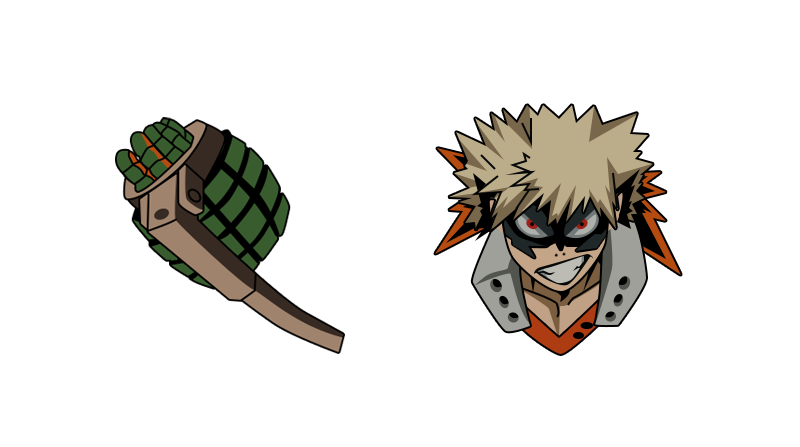
The Katsuki Bakugo custom cursor showcases the explosive personality of one of the main characters from the popular anime and manga series, "My Hero Academia".
The cursor features a representation of Katsuki Bakugo, adorned in his hero costume. With his distinctive spiky blond hair and sharp red eyes, he exudes intensity and determination. The custom cursor with Katsuki Bakugo is designed to capture his fiery spirit, as it constantly emanates small flames, mirroring his explosive quirk "Explosion".
This custom cursor from the My Hero Academia custom cursors collection for Chrome adds an immersive touch to your browsing experience, keeping you connected to the world of My Hero Academia.
Whether you're a loyal fan of Katsuki Bakugo or simply appreciate the dynamic design, this custom cursors is sure to bring excitement and energy to your computer or device. Feel the heat and power up your online activities with the Katsuki Bakugo custom cursor, a perfect choice for any My Hero Academia enthusiast.
Change the standard mouse cursor with a custom cursors easily with My Hero Academia custom cursors collection for Chrome.
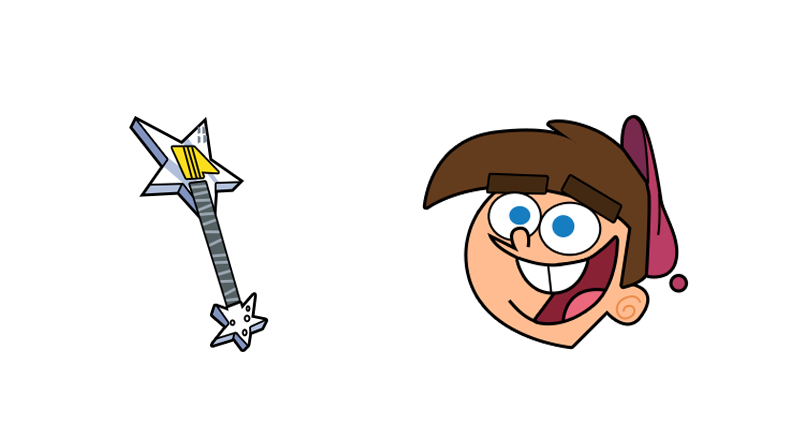
Timmy Turner
Timmy Turner Custom Cursor, a whimsical addition to The Fairly OddParents custom cursors collection that lets you bring the magic of Dimmsdale right to your PC. Say farewell to the ordinary standard mouse cursor and add a dose of enchantment into your digital experience with this cursor featuring the lovable character Timmy Turner.
Transform your digital world with the charm and mischief of Timmy Turner as he becomes your companion with every click and movement. This custom cursor is designed to infuse a touch of fairy-tale fun into your computer interactions, making your time on the screen a delightful adventure.
With every movement, watch as Timmy's animated presence enchants your desktop, creating an interactive experience that pays homage to The Fairly OddParents series.
Changing your standard mouse cursor to the Timmy Turner Custom Cursor is as easy as a wave of a wand. Install the cursor theme effortlessly and let Timmy take the lead, transforming your ordinary pointer into a source of magical delight. Personalize your digital space with this charming cursor, and let Timmy Turner become an integral part of your daily computing adventures.

All Might
All Might custom cursors are a vibrant and dynamic cursor from the My Hero Academia collection of cursors inspired by the popular anime and manga series. Featuring the iconic symbol of justice, All Might, these cursors bring the heroic energy of the series right to your desktop.
This cursor showcases a pose or action of All Might, capturing his immense strength and unwavering determination. From his iconic symbol of peace pose to his powerful smash moves, these cursors for mouse and pointer will surely make your cursor stand out and make your browsing experience more exciting.
The All Might custom cursors offer a simply changing of standard cursor to the custom cursor that best represents your favorite moment or aspect of the character. Whether you prefer the classic blue and red color scheme or the striking black and white design, there is a cursor that will suit your style and preferences.